All Techknowledge Articles | Security Alerts | Students | System Updates
Voice phone call and text message authentication are ending
Published on
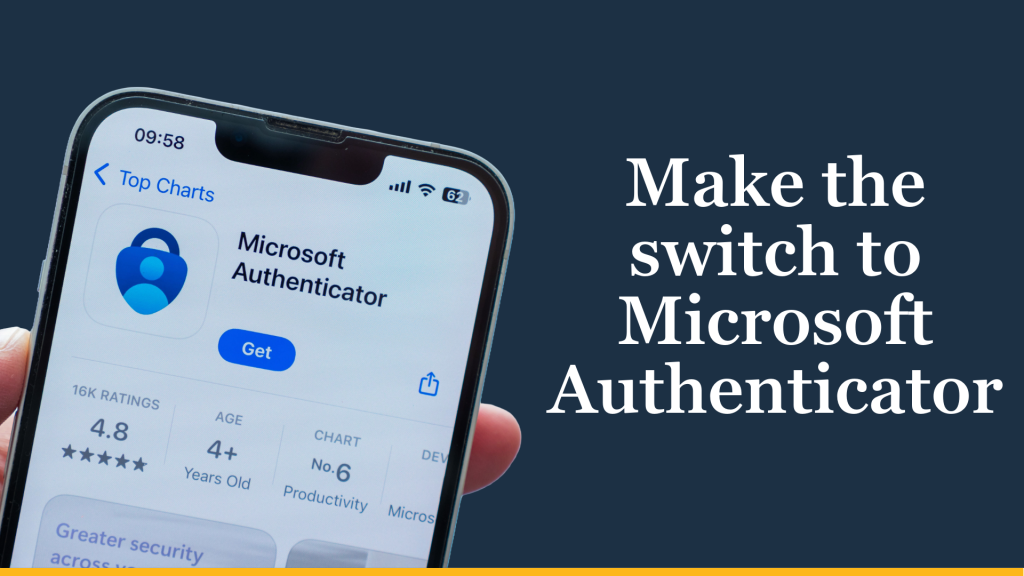
The way some members of the University of Missouri System sign in to university services is changing.
Microsoft is retiring voice phone call and SMS text message authentication, and users who currently rely on these methods will need to enroll in another authentication method to maintain access to university services. To help prepare, UM System is encouraging affected users to switch to the Microsoft Authenticator app.
What is changing?
Beginning in late 2026 and early 2027, older multifactor authentication (MFA) methods will be retired according to the following schedule:
- Dec. 1, 2026: Voice phone call authentication will no longer be available.
- July 1, 2027: SMS text authentication will no longer be available.
Users who rely on phone calls or text messages for MFA will need to set up another authentication method before their deadline.
What should I do?
For most users, the recommended solution is the Microsoft Authenticator app.
Setup typically takes only a few minutes and allows users to verify their identity without relying on text messages or phone calls. Many users find sign-in faster and more convenient after making the change.
To get started:
- Step 1: Download the Microsoft Authenticator app to your phone.
- Step 2: Register the app with your university account.
- Refer to these step-by-step instructions
- Watch this video walkthrough
- Step 3: Begin using the Microsoft Authenticator app when signing into university services.
- Step 4: Once you have set up the Microsoft Authenticator app, consider upgrading to a phishing-resistant authentication method such as a Passkey in the app.
Why is this happening?
Microsoft is moving away from text message and phone call authentication because these methods are easier for attackers to target through phishing attacks and other scams. By moving to newer authentication methods, users can better protect their accounts while preparing for Microsoft’s upcoming changes.
What happens if I do nothing?
Users who continue to rely solely on phone call or text message authentication after the applicable deadline may be unable to access university services until another authentication method is enrolled.
This may affect access to services such as:
- Microsoft 365
- Canvas
- myHR
- Other university applications and services
Looking ahead
Moving to Microsoft Authenticator is an important first step toward stronger account security. Once the Microsoft Authenticator app has been set up, users should enroll in a phishing-resistant authentication method for the highest level of protection for their account.
For most users, Microsoft Authenticator Passkeys are the recommended phishing-resistant authentication methods. Additional options include Windows Hello for Business or a physical security key (such as a YubiKey).
Learn more
Visit umurl.us/MFAchanges to:
- Review important deadlines
- Access setup instructions
- Compare authentication options
- Find answers to frequently asked questions
- Learn where to get support
Taking a few minutes to prepare now can help ensure uninterrupted access to university services in the future.